Orchestrate Intelligence.
Ship Faster.
The complete toolkit for engineering production-grade AI bots. From visual development to distributed execution, manage the entire lifecycle in one place.
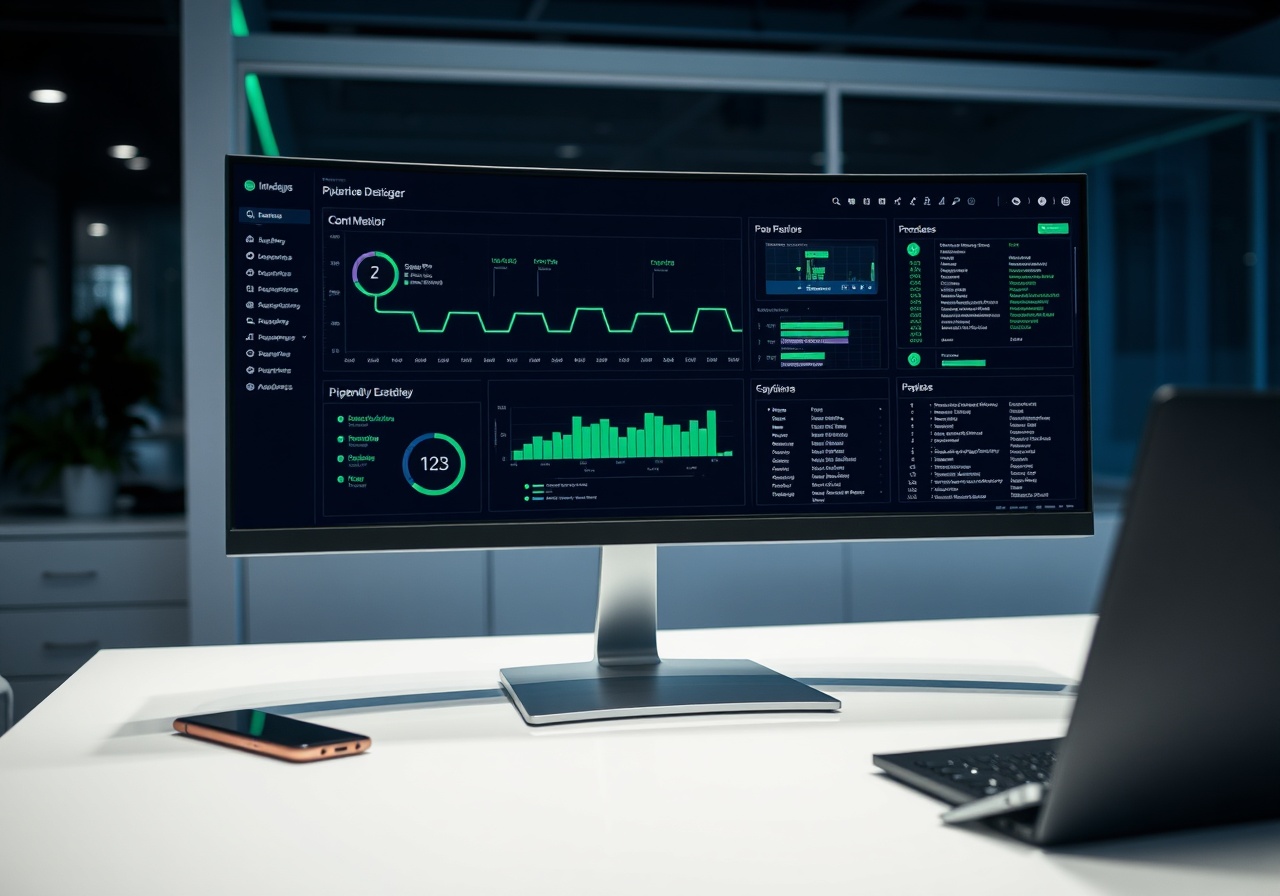 Live Environment
Designed for scale.
Isolated by default.
BotMatrix is built on a decoupled control-plane and execution-plane architecture. This separation allows you to scale your orchestration logic independently of your runtime infrastructure, ensuring high availability and fault tolerance.
The Control Plane manages your pipelines, versioning, and configurations via GitOps. The Execution Runtime is a distributed environment that isolates bot execution, handles concurrency limits, and manages connection pooling.
Whether you are processing a single webhook or millions of events, the platform scales horizontally to meet your demand without manual intervention.
Visual drag-and-drop
builder with YAML export.

Build complex bot logic visually. Connect nodes to define state, branching, and data flow. Every visual change is instantly exported to a readable YAML configuration.
Node Types: LLM integration, HTTP requests, database queries, conditional logic, and delay steps.
- Real-time validation as you drag nodes.
- Auto-complete code snippets for custom functions.
- Instant preview mode to test logic before deployment.
Distributed execution
with strict concurrency.
Your pipelines run in isolated, ephemeral containers. The Runtime Engine handles the heavy lifting: connection management, retry logic, and graceful failure handling.
Concurrency Control: Define worker pools and per-pipeline rate limits to prevent resource exhaustion. The engine intelligently queues requests, ensuring your bots stay within budget and SLAs.
Connect to the world.
Events, schedules, and queues.
Start your pipelines from anywhere. The Trigger Hub provides a unified interface for managing diverse entry points into your bot ecosystem.
Trigger Types:
- Webhooks: Secure HTTPS endpoints for real-time activation.
- Schedules: Cron-based triggers for recurring tasks.
- Queues: Native support for RabbitMQ, SQS, and Kafka.
- Events: Subscribe to custom events emitted by other systems.
Full visibility into
every execution.
Debug faster with structured logs, detailed traces, and real-time metrics. The Observability Console provides a single pane of glass for all your bot activities.
Features:
- Live trace viewer showing the exact path of execution.
- Latency histograms for every node type.
- Alerting rules based on error rates or SLA breaches.
Secure credential management
scoped to teams.
Never hardcode API keys or database passwords. The Secret Vault manages credentials using AES-256 encryption at rest.
Secrets are injected into the execution environment at runtime and are never exposed in logs or traces. You can scope secrets to specific environments (Dev, Staging, Prod) and teams, ensuring the right people have access to the right keys.
BotMatrix vs. In-house vs. Stitching OSS
BotMatrix
A complete, managed platform with built-in observability, security, and reliability.
- ✓ Built-in Observability
- ✓ Managed Runtime
- ✓ Pre-built Connectors
- ✓ Auto-scaling
Stitching OSS
Assembling tools like LangChain, Temporal, and Kafka yourself.
- ✓ Full Control
- ✓ Low Cost
- ✗ High Dev Time
- ✗ No Observability
In-house Build
Building a custom orchestration engine from scratch.
- ✓ Tailored to needs
- ✓ IP Protection
- ✗ High Maintenance
- ✗ High Risk
See it in action —
Book a live demo.
See how the Pipeline Studio and Runtime Engine handle real-world traffic. Schedule a walkthrough with our engineering team.